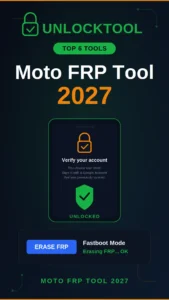
Moto FRP Tool 2027 : Removing a Motorola FRP lock has gotten easier by 2027, but picking the…
9370October 30, 2026010
FreeDownload
FRP Bypass means removing the Google account lock that appears after a factory reset. With Unlock Tool, most Samsung, Xiaomi, Motorola and Tecno phones can be bypassed by test point, COM/MTP, or one-click method — but the right method depends on your exact model and Android version, so first find your model below.
See all FRP bypass guides on the main FRP Bypass page →
| Method | Best for | Difficulty |
|---|---|---|
| One-Click | Redmi, Tecno, Moto G05 | Easy |
| Test Point | Samsung A-series, Redmi 15C | Medium |
| COM / MTP | Samsung Android 16 | Medium |
| Odin Download Mode | Samsung Galaxy S7 | Medium |
FRP (Factory Reset Protection) is a Google account lock. After a factory reset, the phone asks for the Google account that was on it before. If you cannot sign in, you need an FRP bypass method for your exact model.
In most cases the phone is already reset, so data is already gone. Do not start a bypass on a phone with important data unless you have a backup.
The guides on this page are free to read. To run Unlock Tool itself, you need an activation, which is not free.
Use the Request File page and send your brand, model and Android version. Our team will check if a guide is available.
Moto FRP Tool 2027 : Removing a Motorola FRP lock has gotten easier by 2027, but picking the…
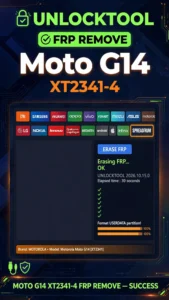
Unlock Tool-MOTO G-14 XT2341-4 FRP Remove Here’s a quick way to MOTO G-14 XT2341-4 FRP Remove using Unlock…
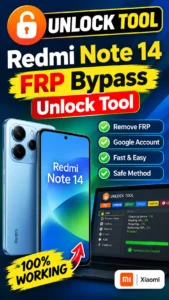
Redmi Note 14 FRP Bypass Unlock Tool Redmi Note 14 FRP bypass, that too with Unlock Tool. There…
Unlock Tool 2026 – Samsung Galaxy S7 FRP Unlock in 2 Clicks | Odin Download Mode Samsung Galaxy…
Unlock Tool 2026 – Moto G05 FRP Unlock | Test Point Method Truth is, remove the Moto G05…
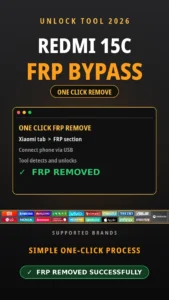
Unlock Tool 2026 – Redmi 15C FRP Bypass | One Click Remove Redmi 15C FRP Bypass : If…
Unlock Tool 2026 – Tecno Spark 20C FRP Bypass | One Click Remove Tecno Spark 20C FRP Bypass:…
Unlock Tool 2026 – Remove Samsung FRP on Android 16 | Via COM MTP Remove Samsung FRP on…
Unlock Tool 2026 – Samsung Exynos FRP Bypass | Enable ADB in Download Mode What This Tool Does…