What Is FRPFILE MDM Tool?
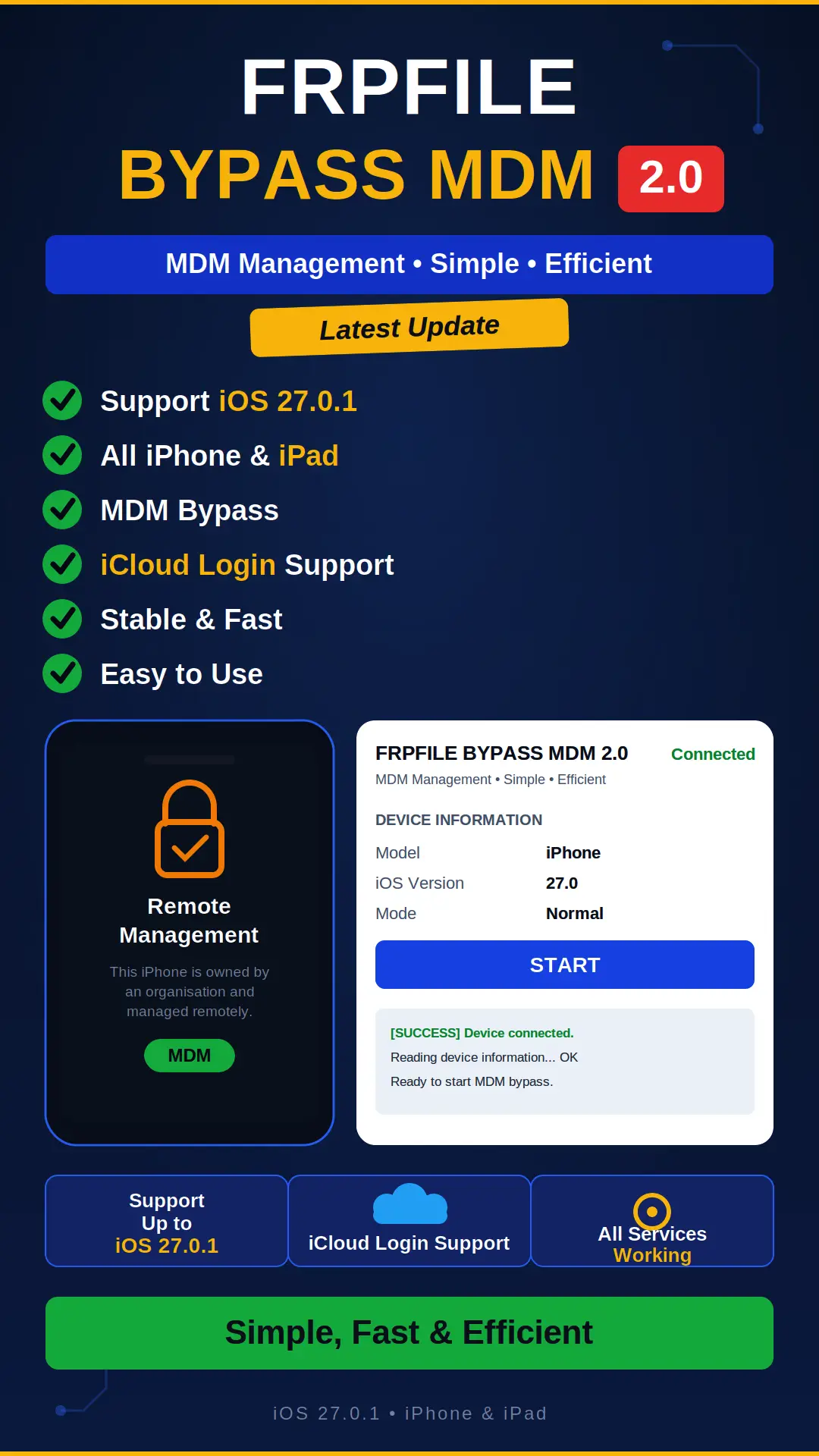
MDM stands for Mobile Device Management. When an iPhone or iPad is under the management of a company, school, or organization, MDM restrictions get applied to it, meaning the device’s settings, apps, and some features stay under that organization’s control. These devices are usually given out by companies to their employees, or by schools to students. FRPFILE MDM Tool is built for these kinds of Apple devices, it handles MDM-related functions. Its latest update added several new things, including support for more iOS versions, iCloud login, and improved stability. This post covers the full details of that update, what the features are, how to use the tool, and what things to be especially careful about. Before going further, one thing should be clear: MDM is generally the property of the organization managing the device, so only proceed through authorized means.
FRPFILE MDM Tool Latest Update – What’s New?
The biggest news in this update is that it advertises support for iOS versions up to 27.0.1. Meaning, according to the update notes, the tool’s MDM functions will work on newer iOS versions too, but this support only applies to the Apple devices that are on the tool’s supported list. The second new thing is iCloud login support, which is mentioned in the update notes. On top of that, the release information says stability and performance have also been improved, so there’s less disruption during the process. The update also includes online services for supported operations, meaning some operations run through a server over the internet. And the last big change is for resellers and distributors, their API and pricing have been updated, with details covered further down in the reseller section.
Supported Devices and iOS Versions
Before using the tool, the first thing to do is check your iPhone or iPad’s model and iOS version. The update advertises support up to iOS 27.0.1, but that doesn’t mean every iPhone and every iPad is supported under it. Every tool has its own list of supported devices, and that list is what counts. If your model or iOS version isn’t on the list, it’s better to confirm with support before starting the process. Running the tool on an unsupported model wastes time, and sometimes it can even damage the device’s condition. So after downloading, make sure to read the instructions that come with the package too, they contain details of the supported models and versions.
How to Use FRPFILE MDM Tool (Step-by-Step)
The method here is kept pretty simple. First, download the tool and read the instructions that come with the package carefully, they cover every step in detail. Then confirm that your iPhone or iPad’s model and iOS version are supported. Next, connect the device to the computer with a good USB cable. The cable needs to be decent quality so the connection doesn’t drop midway. Now follow the tool’s documented procedure step by step, and don’t disconnect the device in between. Once the process is done, check the device’s status to see if the MDM function worked properly. If there’s any issue with the status, read the instructions again or contact support. Rushing and skipping steps is often what causes mistakes.
Important Warnings Before You Start
Make sure to read these warnings before you start. First: erasing an iPhone or iPad wipes out its local data. So if possible, back up your files first. Second, and most important: MDM restrictions are usually put in place by the organization that owns the device. So for authorized removal, contact that organization or seller first. Third: don’t erase a device unless you’re sure activation will complete properly afterward. If activation ends up incomplete, the device won’t be usable. These warnings are also in the tool’s own instructions, and following them is in your own interest.
Important Update for Resellers and Distributors
For people who offer FRPFILE’s services, this update has an important change. According to the update notice, resellers and distributors should re-sync their API and update their pricing according to the latest changes. If you’re a reseller, make sure to check the current details in your reseller account, otherwise using the old API or old pricing could cause issues with the service. To get an ECID added, reach out through this link: https://frpfile.com/reseller/. This update matters for resellers also because it changes things related to both online services and pricing, so keeping your account updated is necessary to give customers the correct information.
What is FRPFILE MDM Tool used for?
It’s built for MDM-related functions on Apple devices, and works on supported iPhone and iPad models.
Advertisement
Does it support iOS 27.0.1?
According to the update notes, support is advertised for iOS versions up to 27.0.1, but only for devices that are on the tool’s supported list.
Will my data get deleted during the process?
Erasing the device wipes out its local data, so make sure to back up your files before starting the process.
Can I remove the lock on any MDM-locked device?
MDM is usually managed by the organization that owns the device. For authorized removal, contact that organization or seller first.
What do I need to do as a reseller?
Re-sync your API and update your pricing according to the latest changes. Check the current details in your reseller account, and reach out at frpfile.com/reseller to get an ECID added.
Advertisement
Disclaimer
This guide is for educational purposes only. Only remove MDM through authorized means, on your own device, or with permission from the organization managing the device.