Register
Advertisement
Top Files
Unlock Tool 2026 – All USB Drivers Complete Pack | Download70 DownloadsUnlock Tool Driver Installer Package Download | All USB Drivers34 DownloadsDownload Unlock Tool Driver Installer Exe 2027 Update21 DownloadsDownload Qualcomm QC – MTK 2.0.1 Unlock Tool Drivers [2026]18 DownloadsUnlock Tool 2026 – Huawei USB 1.0 Kirin Flash Device Drivers | Download10 DownloadsUnlock Tool 2026 – SPD Spreadtrum 77xx & SPRD NPI USB 1.4 Drivers | Download9 DownloadsUnlock Tool 2026 – Nokia Full Drivers MTK 105/107/109 | Download9 DownloadsUnlock Tool 2026 – libusb Win32 Drivers | Download9 DownloadsUnlock Tool 2026 – Samsung Exynos FRP Bypass | Enable ADB in Download Mode7 DownloadsDownload Unlock Tool 2026: Official Setup & Latest Security Updates6 DownloadsUnlock Tool 2026 – All USB Drivers Complete Pack | Download70 DownloadsUnlock Tool Driver Installer Package Download | All USB Drivers34 DownloadsDownload Unlock Tool Driver Installer Exe 2027 Update21 DownloadsDownload Qualcomm QC – MTK 2.0.1 Unlock Tool Drivers [2026]18 DownloadsUnlock Tool 2026 – Huawei USB 1.0 Kirin Flash Device Drivers | Download10 DownloadsUnlock Tool 2026 – SPD Spreadtrum 77xx & SPRD NPI USB 1.4 Drivers | Download9 DownloadsUnlock Tool 2026 – Nokia Full Drivers MTK 105/107/109 | Download9 DownloadsUnlock Tool 2026 – libusb Win32 Drivers | Download9 DownloadsUnlock Tool 2026 – Samsung Exynos FRP Bypass | Enable ADB in Download Mode7 DownloadsDownload Unlock Tool 2026: Official Setup & Latest Security Updates6 Downloads
SM-A125F Test Point
SM-A125F Test Point

Post tags

Advertisement

Post description

SM-A125F Test point

Advertisement

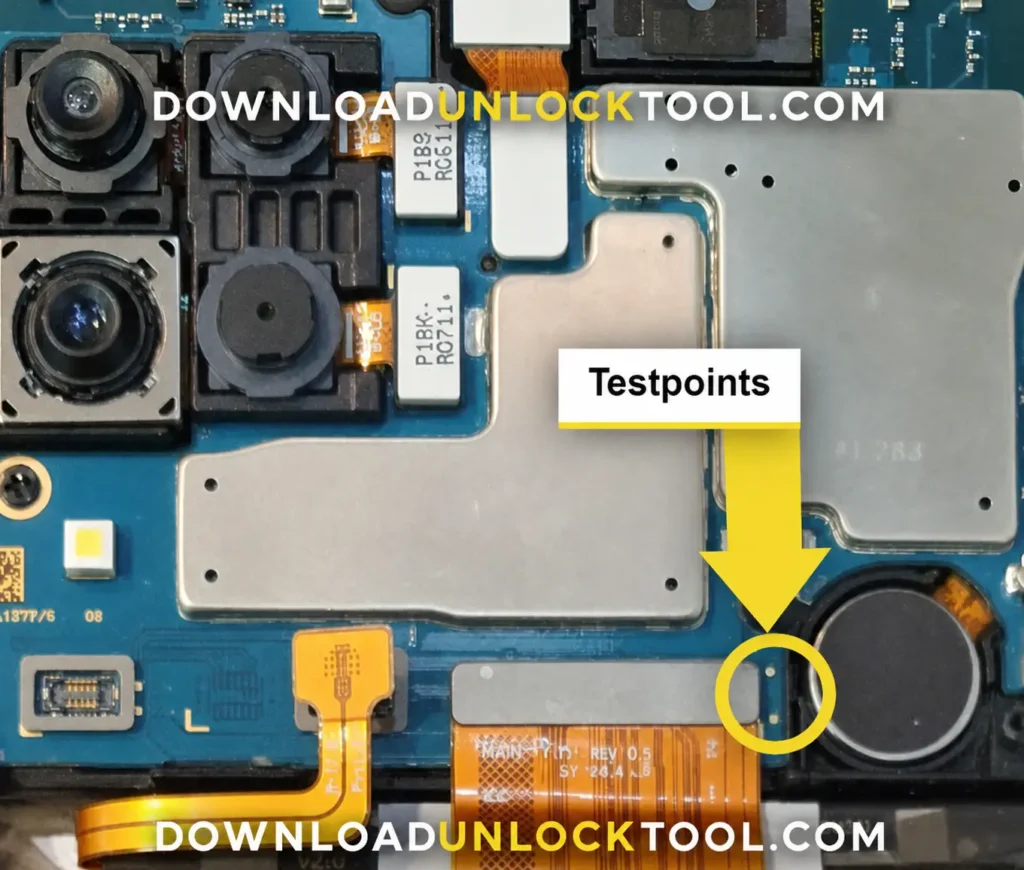
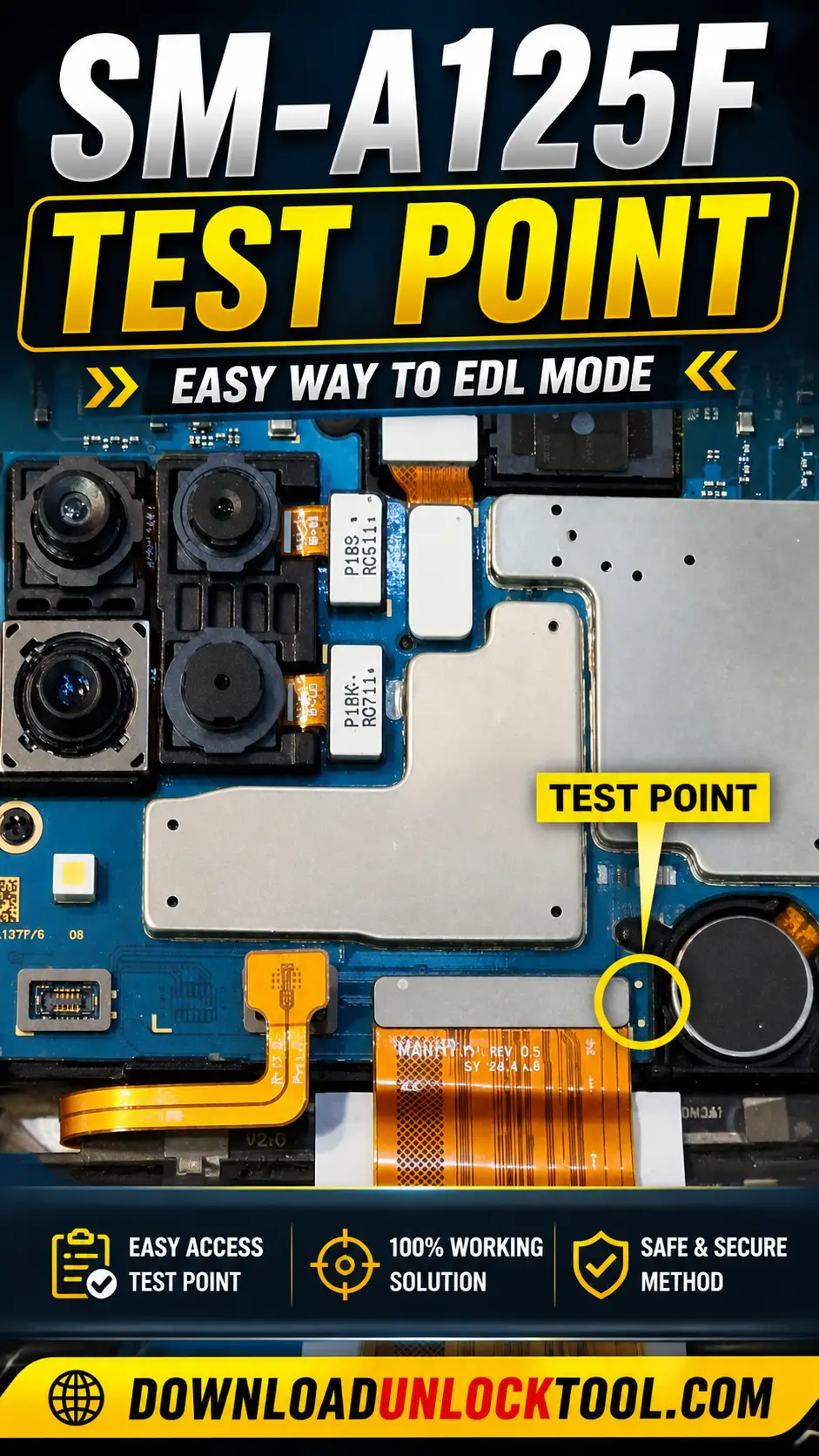
The SM-A125F test point allows for booting Samsung A12 devices. It is used for tasks such as removing the FRP (Factory Reset Protection) lock, repairing a “dead boot” (unresponsive bootloader), fixing security files, and writing dump files.

Samsung A12 Test Point

SM-A125F test point

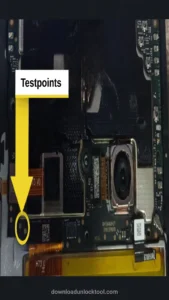
A “Samsung A12 Test Point” is not a physical component, but rather an image that identifies a specific hardware pin-point on the device. By utilizing this point, you can boot the Samsung A12 into “preloader mode.” To do this, you must remove the back cover of the phone, use a pair of tweezers to bridge the designated hardware pin-point to the device’s chassis (ground), and then connect the phone to a computer via a USB cable. This connection triggers the appearance of a MediaTek port, which allows you—using compatible software tools (such as “Unlock Tool”)—to remove an FRP (Factory Reset Protection) lock. The test point is also used for various other functions.

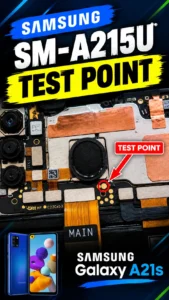
Samsung A12 SM-A125U Test Point

The SM-A125U and the A125F share the same test point, as they use the same board and the test point is located in the exact same position on both.

Samsung A12 SM-A127F Test Point

The SM-A127F and the A125F and A125U share the same test point, as they use the same board and the test point is located in the exact same position on both.

SM-A127M Test point

The SM-A127M and the A127F and A125U And A125F share the same test point, as they use the same board and the test point is located in the exact same position on both.

SM-S127DL Test point

The test point for the SM-S127DL is the same as that of all these other models, and this single test point is used for all of them.

Advertisement

Was this helpful?

Reviews

Review this file

Rating