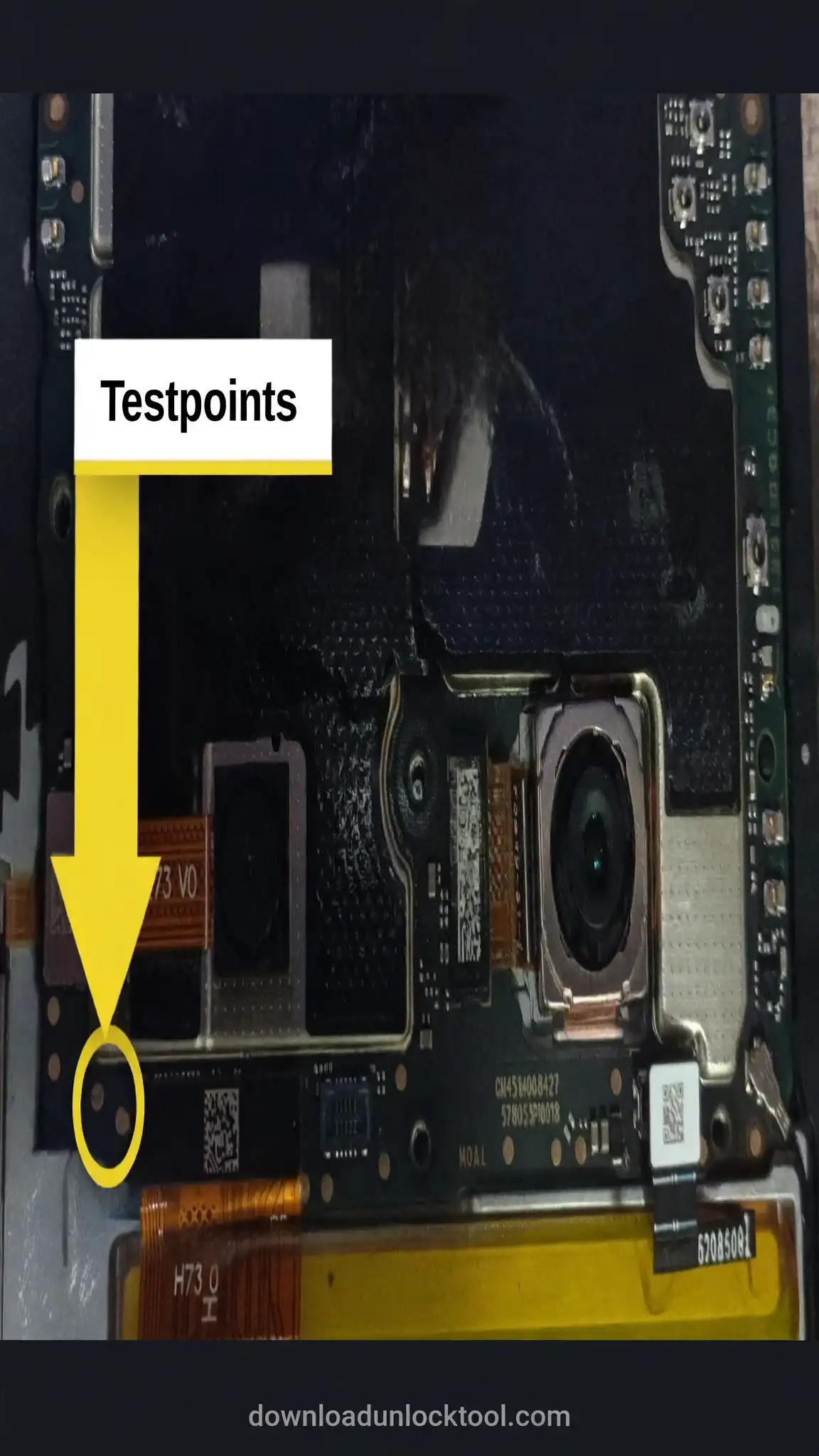
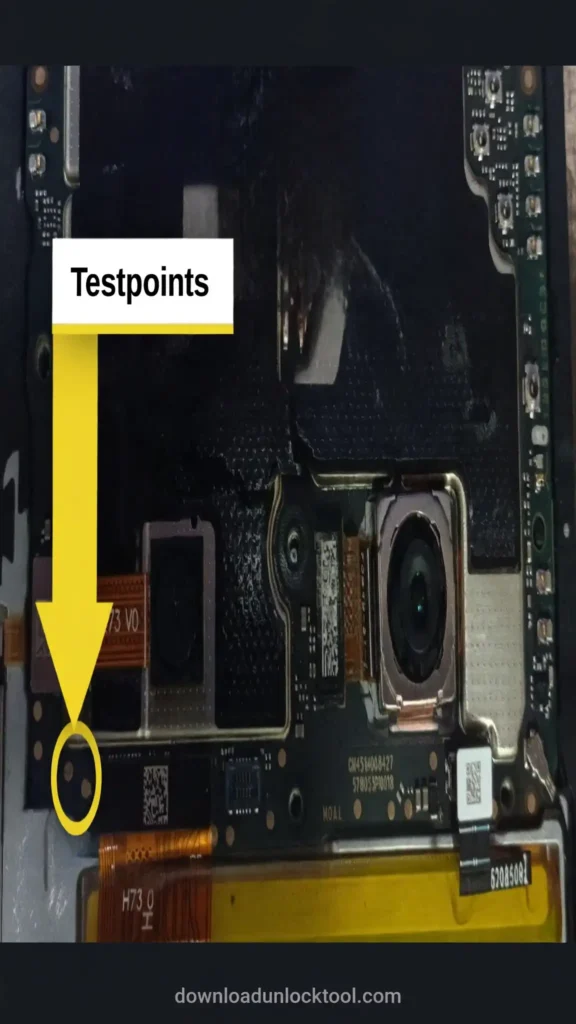
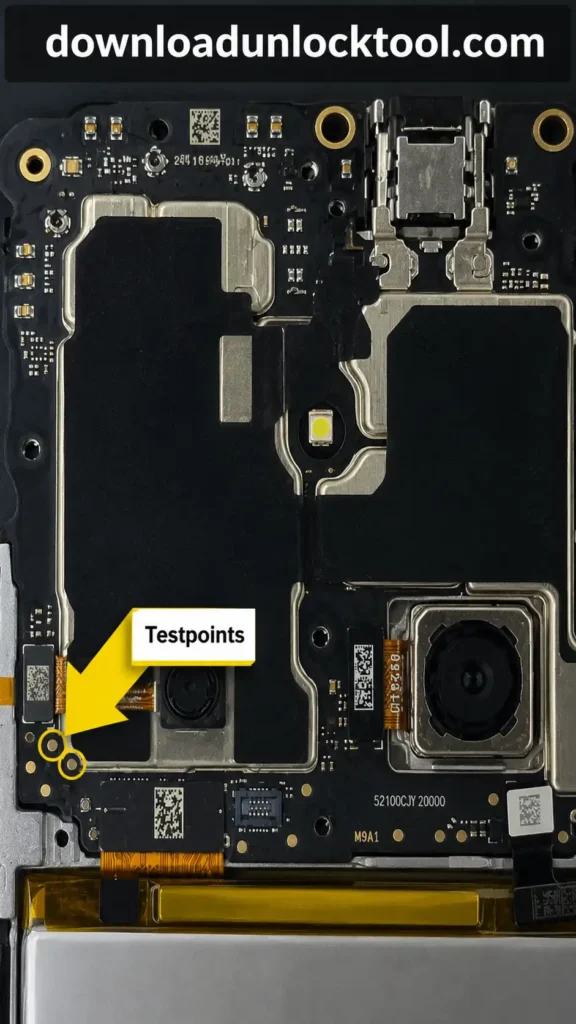
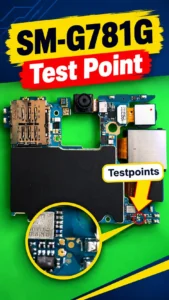
If you are looking for information regarding the Redmi 14C test point, you have come to the right post. A Redmi 14C test point is an image that identifies specific hardware components on the Redmi 14C mobile device; by connecting to these test points, you can boot the mobile device.
Redmi 14C Test Point
The Redmi 14C test point is used within various unlocking tools for specific tasks. Test points from older models do not work on newer models. Furthermore, the location of the test point can sometimes differ between older models and newer mobile models.
Redmi 14C ISP Point
The Redmi 14C ISP point is a hardware feature, distinct from the device’s “test point”—though both may exist on the same mobile unit. As you may know, the Redmi 14C test point is used to boot the device and connect it to online software tools; for instance, to remove an FRP (Factory Reset Protection) lock, you must open the back cover, bridge the hardware test point, and connect the device to an unlocking tool to boot it into the required mode. In contrast, ISP (In-System Programming) pinouts are utilized for tasks such as eMMC flashing or repairing a “dead boot” (unresponsive boot state) on the Redmi 14C. This process involves creating “jumpers” between specific hardware points and connecting them—via specialized software and a dedicated hardware interface box—to boot the device, thereby allowing the phone’s flash memory (flash IC) to be programmed or flashed.
Redmi 14C EDL Point
The Redmi 14C EDL point is also an image indicating a specific hardware location; however, keep in mind that EDL test points are used for Qualcomm devices, while MTK test points are used for MediaTek-based CPUs.
Redmi 14C Test Point MTK
Redmi 14C MTK Test Point: This is essentially the same concept; however, the MTK test point identifies the mobile device’s CPU. This helps you determine the specific chip model used in your device and identifies which tools support tasks such as unlocking, flashing, or other functions.
Redmi 14C Test Point Chimera Tool
The term “Redmi 14C Test Point Chimera Tool” is used because Chimera Tool is an online unlocking utility that supports various unlocking features for the Redmi 14C; utilizing these features requires both the Chimera Tool and the device’s “test point.” It is not the case that Chimera Tool employs a unique or different test point method or location for the Redmi 14C. Rather, when a mobile technician who possesses an active Chimera Tool license refers to the “test point,” they often include the term “Chimera Tool” alongside it. This is done so that, in addition to identifying the test point, the user can also access relevant video tutorials or written guides—resources that explain how to use the test point to perform tasks such as FRP (Factory Reset Protection) bypass, flashing, or unlocking the Redmi 14C.
Redmi 14C Test Point Unlock Tool
Redmi 14C Test Point Unlock Tool” is a sought-after search term used by mobile technical experts. They look for this to utilize the Redmi 14C unlock tool—leveraging test points to access its various features
Advertisement
Redmi 14C Test Point Not Working
The keyword “Redmi 14C Test Point Not Working” is frequently searched because it implies both a specific problem and a need for assistance. This issue arises when a user knows the location of the test points and attempts to establish a connection, but the mobile device fails to boot via these test points. Naturally, this causes frustration for the user. There can be several reasons for this occurrence.
- A faulty USB port on the Redmi 14C.
- The cable being used to connect the Redmi 14C might be defective.
- The tool being used for the connection process might be faulty.
- The mobile battery may not be holding a charge, preventing the device from booting up correctly.
- Issues with the Redmi 14C USB driver—a common occurrence—can prevent the device from connecting properly.
- The distinction between the Redmi 14C and the Redmi 14C 5G models; these are two versions of the same model series. The Redmi 14C 5G is a newer model and has different test poin
Redmi 14C 5G Test Point
The Redmi 14C 5G is a new model of the same device series; its test points differ slightly from those of the Redmi 14C. Often, mobile technicians—failing to distinguish between these two models – end up searching for solutions because the test points do not seem to work.
People Also Ask
How can I test my Redmi phone?
Dial ##64663## or go through settings to reach the hardware test menu. From there you can check the screen, speaker, sensors, and other parts one by one.
How to check original Redmi 14C?
Match the IMEI on the box with the one inside the phone’s settings, and confirm it through Xiaomi’s official check site. Don’t rely on just the shop’s word.
What is the Redmi phone code for testing?
The common one is ##64663##, it opens the hardware test menu. If it doesn’t work, settings has a path to the same test too.
How to enter diagnostic mode in Redmi?
Dial ##64663## or open the CIT menu through Settings. Once you’re in, just check things like sensors and screen; don’t change any settings while you’re there.