
Introduction:
The SPD Spreadtrum 77xx & SPRD NPI USB 1.4 Unlock Tool Drivers are what your PC needs to actually see and talk to a Spreadtrum (Unisoc) 77xx phone during a service session. If Unlock Tool won’t detect your device, or the port keeps dropping mid-flash, missing or outdated drivers are usually the reason. This guide walks you through what these two driver packages do, when you need each one, and how to get them installed so your phone connects the way it should.
We’ll cover the 77xx USB driver for basic detection and flashing, plus the SPRD NPI USB 1.4 driver for diagnostic and engineering-level communication. Grab both from Unlock Tool’s driver page before you start a servicing session, since having them ready up front saves you from a failed connection halfway through.
How to install Spreadturm SPD USB Driver
How To Install SPD USB Driver?
Getting the SPD Spreadtrum 77xx & SPRD NPI USB 1.4 Unlock Tool Drivers installed only takes a few minutes, and once it’s done, your phone should show up in Unlock Tool right away. Here’s how to do it on a Windows PC.
Install SPRD NPI USB Driver v1.4 in 5 Seconds
Once the 77xx driver is in and your phone shows up in Device Manager, the second piece is the SPRD NPI USB 1.4 driver. This one’s for the deeper engineering-level connection Unlock Tool needs for advanced servicing, not just basic detection. And honestly, it installs way faster than the name suggests, it’s a quick setup.exe, not some multi-window wizard.
Run the installer, let it finish, and reconnect your phone. Between this and the 77xx driver, you’ve got the full SPD Spreadtrum 77xx & SPRD NPI USB 1.4 Unlock Tool Drivers set covered for a proper servicing session.
What is Spreadtrum Driver:
A Spreadtrum driver (also called an SPD driver) is a small piece of software that lets Windows recognize a phone built on a Spreadtrum, now Unisoc, chipset. Without it, your PC just sees a random unknown device, or nothing at all, when you plug the phone in. That’s the whole reason the SPD Spreadtrum 77xx & SPRD NPI USB 1.4 Unlock Tool Drivers exist, they bridge that gap so Unlock Tool can actually read and write to the phone.
In practice, this driver handles a few different jobs depending on what mode your phone is in: normal USB connection for file transfer and charging, download mode for flashing firmware, and diagnostic mode for the deeper repair work. Here’s a quick breakdown of what each mode is used for.
If you’re new to Spreadtrum servicing, I’d say just install both drivers up front rather than waiting to see which one you need, it saves a second trip back to the USB drivers page later.
Download Old Version Of This Driver
Sometimes the newest driver isn’t the one that plays nice with your setup. If the current SPD Spreadtrum 77xx & SPRD NPI USB 1.4 Unlock Tool Drivers package isn’t detecting your phone, or you’re running an older Windows build, trying a previous version can fix the connection where the latest one didn’t.
Before you install anything, uninstall the current driver from Device Manager first. Running two versions side by side is a common reason Windows gets confused and stops detecting the phone at all.
Download SPD USB Drivers (SPREADTURM) All Latest Version
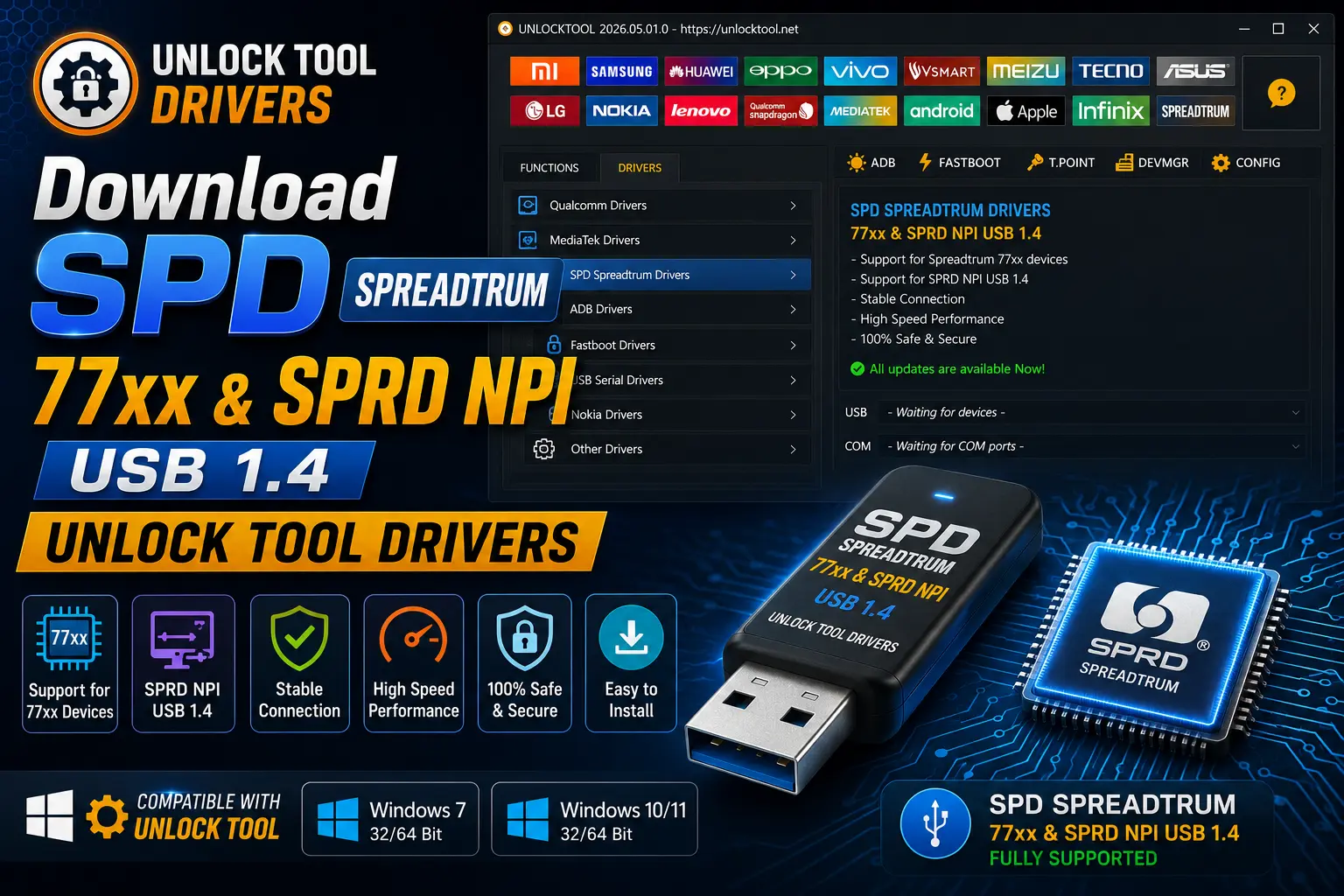
If you just want the current, working set and don’t want to sort through old files, this is the section for you. The full SPD Spreadtrum 77xx & SPRD NPI USB 1.4 Unlock Tool Drivers package covers both the 77xx USB driver and the NPI 1.4 driver, and grabbing them together saves you from having to come back later when Unlock Tool asks for the second one.
Before installing, close Unlock Tool and any other flashing software running in the background. And make sure you’re logged in as an administrator on your PC, since Windows will block driver installs otherwise.
Download SpreadTrum/Unisoc USB Driver
This section covers the core SpreadTrum/Unisoc USB driver by itself, the one that gets your phone talking to your PC in normal and download mode. If you already grabbed the full SPD Spreadtrum 77xx & SPRD NPI USB 1.4 Unlock Tool Drivers bundle above, you don’t need this again, but it’s here in case you only need the base driver.
This is the same file used for basic Spreadtrum/Unisoc connectivity, MTP access, charging detection, and getting the phone recognized before you open Unlock Tool. But if your device also needs the diagnostic-level NPI driver for advanced servicing, you’ll want to grab that one separately too.
System Compatibility:
Before you install anything, it helps to know what these drivers actually run on. The SPD Spreadtrum 77xx & SPRD NPI USB 1.4 Unlock Tool Drivers are built for Windows PCs, and that’s really the only environment Unlock Tool and Spreadtrum servicing tools are made for anyway.
🔥 Recommended Success Reports

If you’re on an older Windows build, driver signature checks can sometimes get in the way of installation. I’d rather deal with that upfront than have the install silently fail halfway through.
Steps to Disable Driver Signature verification on Windows
Every once in a while, Windows blocks the SPD Spreadtrum 77xx & SPRD NPI USB 1.4 Unlock Tool Drivers from installing because they aren’t digitally signed. If you hit that wall, turning off driver signature enforcement gets you past it. This is temporary, and it only affects that one restart.
How To Install Drivers
Here’s the short version, all put together in one place. If you’ve read through the sections above, this recaps the full process for getting the SPD Spreadtrum 77xx & SPRD NPI USB 1.4 Unlock Tool Drivers running on your PC from start to finish.
Related Drivers
If you work on other Android devices regularly, you’ll likely run into other USB and OEM drivers too. Keep a folder of these on hand, and check the USB drivers page whenever a new device gives you connection trouble.
Key Takeaways
- The SPD Spreadtrum 77xx & SPRD NPI USB 1.4 Unlock Tool Drivers are two separate packages that work together for full servicing access.
- Install both drivers as administrator, one at a time, and restart if Windows asks you to.
- These drivers only work on Windows, not Mac or Linux.
- If the install gets blocked, disabling driver signature verification usually clears it.
- Once installed correctly, your Spreadtrum phone should show up in Device Manager and connect in Unlock Tool without extra setup.
Frequently Asked Questions
What are the SPD Spreadtrum 77xx & SPRD NPI USB 1.4 Unlock Tool Drivers for?
They’re the USB drivers that let a Windows PC recognize and communicate with Android phones running on Spreadtrum (Unisoc) 77xx chipsets. Unlock Tool needs this connection to read the phone, flash firmware, or perform diagnostic-level servicing.
Do I need both driver packages installed?
For basic detection, the 77xx driver alone usually works. But if Unlock Tool needs deeper diagnostic or engineering access, you’ll also need the SPRD NPI USB 1.4 driver installed.
Why isn’t my phone showing up in Device Manager?
This usually means the driver didn’t install correctly, or Windows blocked it because it’s unsigned. Try reinstalling as administrator, or disable driver signature verification and try again.
Can I use these drivers on Mac or Linux?
No. These are Windows-only drivers. Spreadtrum servicing tools and Unlock Tool are built around the Windows driver stack, so Mac and Linux aren’t supported.
Is it safe to install these drivers on my main PC?
Yes, installing the driver itself doesn’t touch your phone’s data. Just be careful with any flashing or unlocking steps you take afterward, since those can affect data on the device.
Does installing these drivers wipe my phone?
No. Installing the USB driver only sets up the connection between your PC and phone. Data loss risk comes from flashing or unlocking actions you take in Unlock Tool afterward, not from the driver install itself.
How long does the driver install take?
Both drivers install quickly, usually under a minute each on a normal Windows PC, assuming there aren’t signature verification issues slowing things down.
Will this driver work with every Spreadtrum phone?
It’s built for devices on Spreadtrum/Unisoc 77xx-series chipsets. Compatibility can vary by exact model and firmware, so if your device isn’t detected, double-check that it actually uses this chipset family.
What do I do if the driver install fails?
Uninstall any previous version from Device Manager first, then reinstall as administrator. If Windows still blocks it, disabling driver signature verification for that session usually resolves it.
Am I authorized to use these drivers on any phone?
You should only service devices you own or have explicit permission to work on. These drivers and Unlock Tool are meant for legitimate repair and servicing work, not unauthorized access to someone else’s phone.
Why does my phone disconnect mid-flash?
A loose or low-quality USB cable is the most common cause. Driver conflicts from having multiple versions installed can also cause random disconnects during flashing.
Final Thoughts
Getting a Spreadtrum phone to connect properly usually comes down to one thing: having the right drivers installed before you open Unlock Tool. Once the SPD Spreadtrum 77xx & SPRD NPI USB 1.4 Unlock Tool Drivers are in place, detection issues clear up and flashing or diagnostic work goes a lot smoother.
And if you run into a blocked install along the way, remember that’s usually just Windows being cautious about unsigned drivers, not a sign something’s actually broken. Work through it, and you’ll be back to a working connection in a few minutes.
Disclaimer
This guide covers the SPD Spreadtrum 77xx & SPRD NPI USB 1.4 Unlock Tool Drivers for lawful servicing of a device you own or are authorized to repair. Always get clear permission before working on a phone that isn’t yours.
This site isn’t responsible for data loss, device damage, misuse of these drivers, or actions taken by third parties. Use good judgment, work on devices you’re authorized to touch, and keep backups current as a general practice.