
Introduction:
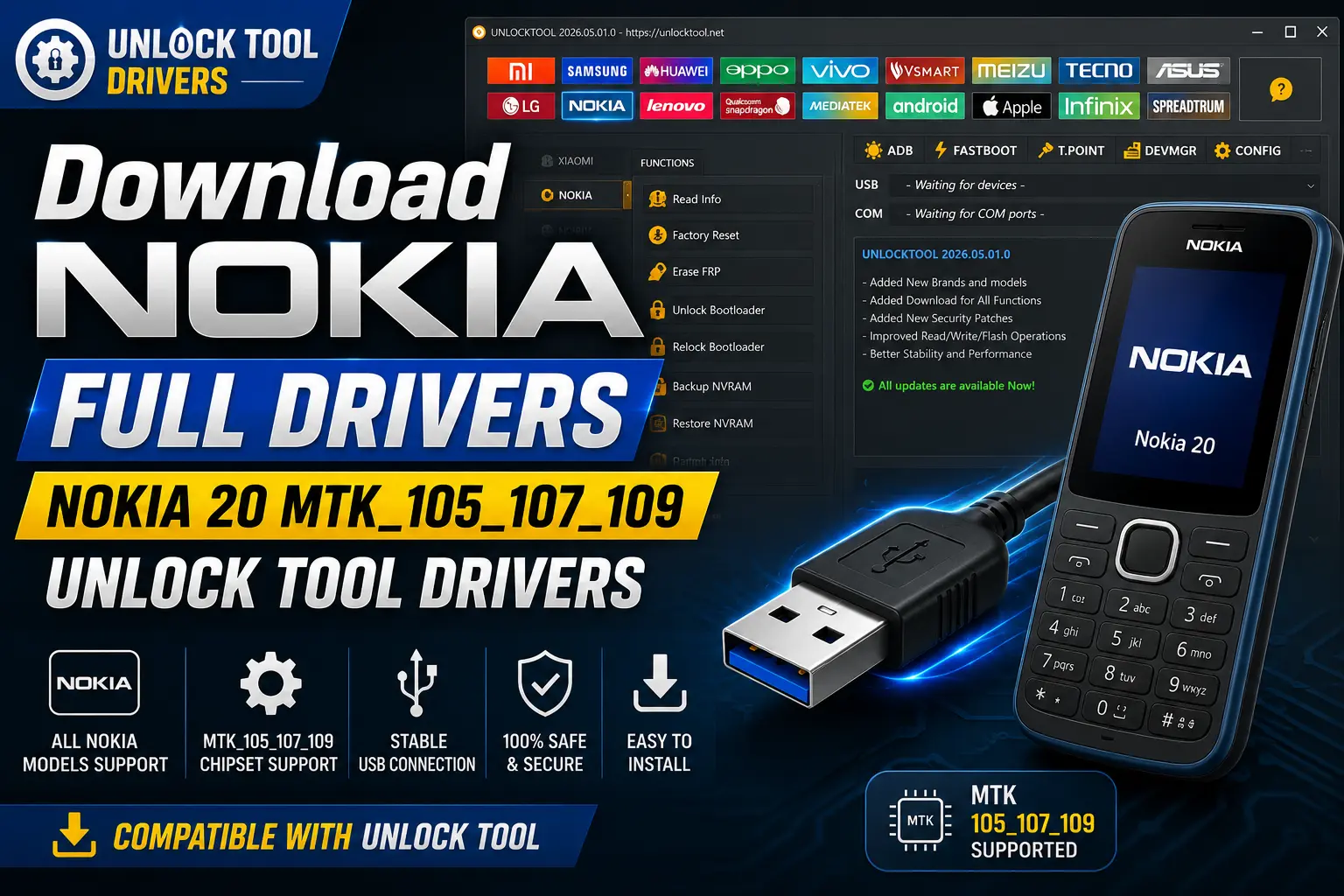
If you need to Download Nokia Full Drivers-Nokia 20 MTK_105_107_109 Unlock Tool Drivers, you’re in the right spot. These drivers let your PC actually see your Nokia phone when you plug it in, which is the first thing Unlock Tool needs before it can flash, repair, or unlock anything. Without the right USB driver, Windows just won’t recognize the device, and Unlock Tool sits there stuck on “no device found.”
This guide walks you through both driver packages: the Nokia Full Drivers set and the specific Nokia 20 MTK_105_107_109 driver. We’ll cover what each one does, when to use which, and how to get your computer talking to your phone. And if you’re not sure which driver matches your setup, grab the Full Drivers package first since it covers the most common Nokia USB chipsets in one shot. You can also browse the full Nokia USB driver collection if your device isn’t listed here.
Nokia USB Driver for Windows V1.4.0
Nokia USB Driver V1.4.0 for Windows
This is the driver version most people end up grabbing when they search for Nokia USB drivers on a Windows machine. It’s built to let your computer talk to Nokia phones without needing the old Nokia PC Suite installed first. Once it’s on your system, Unlock Tool can detect a connected Nokia device and move forward with flashing or repair tasks. If you’ve got a Nokia 20 running on MTK hardware, this driver layer is what makes the connection actually work.
What is Nokia USB Drivers?
A Nokia USB Driver is a small system file set that teaches Windows how to recognize your Nokia phone over a USB cable. It doesn’t give you file browsing access or a way to peek at photos and messages. What it does is open the communication channel that tools like Unlock Tool need to read the device and start a flash or unlock session. Think of it as the handshake step, not the actual toolkit.
For which platforms are Nokia Android USB Driver available?
Operating SystemWindows 7, 8, 10, and 11 (32-bit and 64-bit)
Device TypeNokia Android smartphones, including MTK-based models
How often is the Nokia USB Driver updated?
There’s no fixed schedule for driver updates. New builds usually show up when a fresh Nokia chipset or Windows version needs better support. That’s honestly why grabbing the Full Drivers package makes sense if you’re not chasing one exact version number, since it bundles the common ones together. You can always check the Nokia USB driver page for the current files instead of relying on an old download you saved months back.
How can I install Nokia USB Driver?
Installing the Nokia USB Driver isn’t complicated, and it’s pretty much the same routine as installing any other Windows driver package. Once you’ve got the file open, just follow these steps in order so your PC picks up the Nokia 20 correctly before you launch Unlock Tool.
And that’s really all there is to it. If Unlock Tool still doesn’t see the phone after this, unplug the cable, close the program, and try the connection again before assuming something’s wrong with the driver itself.
Why do we need Nokia USB Driver?
Your PC and your phone don’t automatically know how to talk to each other. Windows needs a driver to figure out what device just got plugged in and how to communicate with it. That’s the whole reason this step matters before you ever open Unlock Tool.
Lets Windows detect your Nokia phone the moment it’s connected by USB
Gives Unlock Tool the connection it needs to read and flash the device
Supports flashing stock firmware and running unlock or repair tasks
Skips the need for full Nokia PC Suite just to get a stable connection
Skip this step and Unlock Tool just won’t find your device, no matter how many times you replug the cable. It’s a small download, but it’s the piece that makes the rest of the Download Nokia Full Drivers-Nokia 20 MTK_105_107_109 Unlock Tool Drivers process possible in the first place.
Is Nokia USB Driver free?
Yes, the Nokia USB Driver files on this page are free to download and use. There’s no license fee or hidden charge attached to grabbing the Full Drivers package or the Nokia 20 MTK_105_107_109 driver.
And that’s one thing I like about working with Nokia drivers compared to some other brands: you don’t get hit with weird account walls or paywalled downloads just to get a basic USB connection working. The driver’s job is simple. It gives your computer the system files it needs to recognize your Nokia phone, nothing more.
If you’re setting up the full Download Nokia Full Drivers-Nokia 20 MTK_105_107_109 Unlock Tool Drivers workflow for the first time, you can also check the Nokia driver library if you ever need a different version down the road. Just make sure you’re pulling files from a source you trust, since driver installers are exactly the kind of file people try to bundle junk into.
Is Nokia USB Driver safe?
The Nokia USB Driver only installs system-level files that let Windows recognize your phone. It doesn’t touch your personal data, photos, or messages, and it can’t give anyone remote access to your device.
That said, safety with any driver file really comes down to where you got it from. This is exactly why sticking to a trusted source matters when you’re pulling files for the Download Nokia Full Drivers-Nokia 20 MTK_105_107_109 Unlock Tool Drivers setup. A driver from a shady site can come bundled with junk you didn’t ask for, so I’d rather grab it from a source I already trust than roll the dice on a random download link.
Always keep your antivirus running when installing any driver, and only download from a page you recognize and trust.
Download Nokia Driver For Windows
Here’s where you can grab both driver packages for this guide. If you’re not sure which one you need, go with the Full Drivers package first since it covers the most common Nokia USB chipsets in one file.
Nokia Full Drivers — the recommended pick if you’re unsure which exact driver your Nokia phone needs.
Download Nokia Full Drivers
Nokia 20 MTK_105_107_109 Drivers — the specific driver set built for this MTK-based Nokia model.
Download Nokia 20 MTK Drivers
Before you install anything, close any active Unlock Tool session and make sure you’re using a data-capable USB cable, not a charge-only one. Once the driver’s installed, plug your phone in and reopen Unlock Tool to confirm it picks up the device. For more Nokia driver options down the line, check the USB driver page on the site.
Information about Nokia Connectivity Cable Driver 7.1.182.0
You might come across this driver name while searching for Nokia connection files, so it’s worth knowing what it actually is. Nokia Connectivity Cable Driver 7.1.182.0 is an older Nokia driver build tied to earlier connectivity software from Nokia’s PC Suite era, separate from the current Full Drivers and Nokia 20 MTK_105_107_109 packages covered in this guide.
🔥 Recommended Success Reports

Driver FamilyOlder Nokia connectivity driver, not the current MTK USB driver set
Recommended UseNot needed for the Nokia 20 MTK unlock workflow covered here
If you’re specifically working through the Download Nokia Full Drivers-Nokia 20 MTK_105_107_109 Unlock Tool Drivers process, you can skip this older cable driver entirely. Stick with the Full Drivers or model-specific MTK driver package instead, since those are the ones built to work with Unlock Tool today.
Download Nokia Mobile Driver
If you landed on this section looking for a general Nokia mobile driver, the two packages below cover what most people actually need. There’s no separate “mobile driver” file outside of these; the Full Drivers and Nokia 20 MTK_105_107_109 driver are what get your Nokia device talking to Unlock Tool.
Before installing, check that your phone shows up under Device Manager once plugged in, even if it’s tagged as “unknown device.” That’s a normal sign the driver hasn’t loaded yet, not a sign your Nokia 20 is broken. And if you already grabbed the model-specific MTK driver from an earlier section, you don’t need to install this one too, just pick one and move forward. You can browse more options anytime on the Nokia driver page if your setup changes down the road.
What devices does Nokia USB Driver work with?
What devices does Nokia USB Driver work with?
These drivers are built for Nokia Android smartphones, and the MTK-specific package is meant for MediaTek-powered Nokia models like the Nokia 20 covered in this guide. If you’re doing the full Download Nokia Full Drivers-Nokia 20 MTK_105_107_109 Unlock Tool Drivers setup, the driver is what makes your specific phone visible to Unlock Tool once it’s connected.
Supported DevicesNokia Android smartphones, including MTK-based models
Chipset FocusMediaTek (MTK) processors, matching the 105/107/109 driver set
Does Nokia USB Driver work with both mobile and desktop devices?
No, and that’s a common mix-up. This driver installs on your Windows desktop or laptop, not on the phone itself. It’s the computer side of the connection that needs the driver so it knows how to read your Nokia device once it’s plugged in.
Key Takeaways
Grab either the Nokia Full Drivers package or the Nokia 20 MTK_105_107_109 driver depending on how specific you want to be
You’ll need a Windows PC, a working USB cable, and admin rights to run the installer
Only download driver files from a source you trust, since installers are a common target for bundled junk
Once installed, Unlock Tool should detect your Nokia 20 the moment you plug it in
The driver itself is free and only handles the USB connection, not file access on your phone
Frequently Asked Questions
What is included in the Download Nokia Full Drivers-Nokia 20 MTK_105_107_109 Unlock Tool Drivers package?
It includes two files: the Nokia Full Drivers set, which covers common Nokia USB chipsets, and the Nokia 20 MTK_105_107_109 driver, built specifically for that MTK-based model. Together they let Unlock Tool detect and communicate with your device over USB.
Do I need Nokia PC Suite to use this driver?
No. The USB driver connects your Nokia device to Windows on its own. You don’t need to install the full PC Suite application just to get Unlock Tool working with your phone.
Why isn’t Unlock Tool detecting my Nokia phone?
This usually means the driver isn’t installed yet, or your cable isn’t a data cable. Reinstall the correct driver, restart your PC, and try a different USB cable or port before assuming something else is wrong.
Can this driver access my personal data or photos?
No. It only installs the system files needed for Windows to recognize your device. It doesn’t give access to photos, messages, or files unless you separately enable file transfer mode on your phone.
Is a driver reinstall needed after a Windows update?
Sometimes. A major Windows update can occasionally reset device recognition. If your Nokia phone stops showing up after an update, reinstalling the driver usually fixes it right away.
Will this driver work with other Nokia models besides the Nokia 20?
The Full Drivers package covers a broad range of common Nokia USB chipsets, but the MTK_105_107_109 file is built specifically for that chipset family. Check your device’s chipset before assuming full compatibility.
How long does the driver installation take?
Just a couple minutes on most machines. It runs like a standard Windows install, and a restart afterward is a good idea to make sure the driver loads properly.
Do I need administrator access to install the driver?
Yes. Driver installs touch core Windows system files, so you’ll need to run the installer as an administrator for it to complete successfully.
Is it legal to use Nokia USB drivers with Unlock Tool?
Installing a USB driver itself is legal and standard practice. You’re responsible for making sure any unlocking or flashing you do afterward is authorized for the device you own or service.
What should I check before downloading a Nokia driver?
Confirm you’re grabbing the file from a source you trust, and make sure your antivirus is active during installation. Also double check whether you need the Full Drivers or the model-specific MTK package.
Final Thoughts
Getting your Nokia phone connected doesn’t need to be complicated. Once you download Nokia Full Drivers-Nokia 20 MTK_105_107_109 Unlock Tool Drivers and get them installed, Windows should recognize your device right away, and Unlock Tool can take it from there.
If you’re not sure which driver fits your setup, grab the Full Drivers package first. It’s the safer starting point and saves you from guessing.
And if your phone still doesn’t show up after installing, don’t panic. Double check the cable, reinstall the driver, and give Windows a restart before digging any further. Most connection issues come down to one of those three things. Head back to the Nokia USB driver page anytime you need a fresh copy or a different version down the road.
Disclaimer
This guide on how to download Nokia Full Drivers-Nokia 20 MTK_105_107_109 Unlock Tool Drivers is meant for lawful servicing of a device you own or are authorized to repair. Driver behavior, compatibility, and results can vary depending on the phone model, firmware version, region, and the version of Unlock Tool you’re running.
Back up any important data on your device before installing drivers or using flashing tools, whenever that’s possible.
Always follow the terms set by the software provider for any tool you use alongside these drivers. This site isn’t responsible for data loss, device damage, misuse, or actions taken by third parties. Use good judgment, keep a backup handy, and check the Nokia driver page if you run into questions about a specific file.