Unlock Tool Driver Installer Package Download | All USB Drivers
What Is Unlock Tool Driver Installer Package:
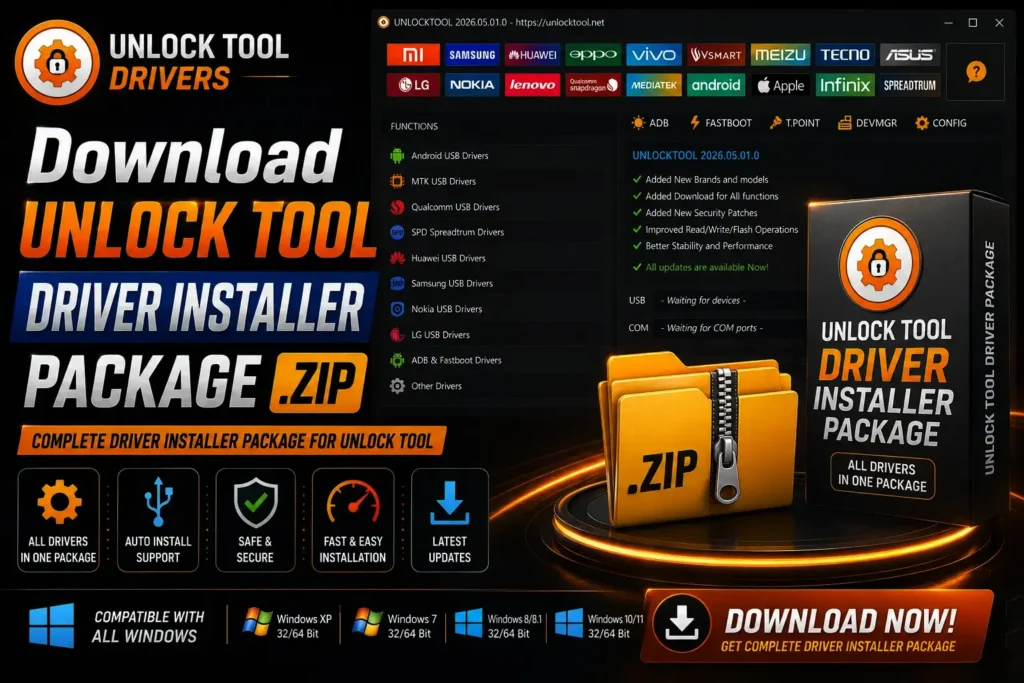
The Unlock Tool Driver Installer Package is a small exe that installs all the USB drivers you need on your PC in one click. We used to hunt down the MTK, Qualcomm, and SPD drivers separately, and a lot of the time the wrong version got installed. This package fixes that. Download the exe, right-click it, hit Run as administrator, and all the drivers install in one go. No separate setup, no hassle. If you use Unlock Tool, you need this package because without the right drivers, the tool won’t detect the phone at all.
Which USB Drivers Are Inside the Package:
This package has all the drivers Unlock Tool needs .
Download the Driver Installer (Free, Latest Version)
The driver installer download link is at the top of this post. It’s the latest version, completely free, and it’s signed. exe, which means Windows will install it without a warning. It works on both Windows 10 and Windows 7, and both 32-bit and 64-bit are supported. Download it and install it using the steps in the next section. No password, no survey.
How to Install the Drivers
Right-click the. exe and select Run as administrator. Without admin rights, the drivers only half-install and the phone won’t be detected, which is the most common mistake. When the installer opens, click Install and wait 2-3 minutes. All the drivers will install one after another. Once the install is done, you must restart the PC. Without a restart, Windows doesn’t load the new drivers, and Unlock Tool won’t recognize the phone. After the restart, check Device Manager. There shouldn’t be any yellow warning icons.
Driver Not Detected? Fix It Here
In case you are receiving the “device not detected” message even after installing all software, do not panic. First of all, find out how your phone is labeled in the Device Manager. If it is labeled “Unknown USB device,” then the driver has not been installed correctly. Click on that label, reinstall the driver, or simply reinstall the entire package. The second reason why your phone may not be detected is the cable. The charging-only cable is capable of charging your phone, but it cannot transfer any data to your computer; hence the detection problem.
Unlock Tool Account Not Activated?
If your login is correct but the tool still won’t activate, contact the reseller you bought the 1-year activation from. Activation is processed on the server side, so do not attempt to resolve it on your own. The reseller will check your account and activate it right away.
Check Supported Models
Check the list of supported models one time before the installation of the drivers. There is an option to check the model on the site of the Unlock Tool. Type in the model number of your phone and find out if the tool is able to handle your phone model. It will take you only one minute, but this minute is not wasted in vain.
Note — There Is No Unlock Tool APK
One thing you should understand. Many search for “Unlock Tool APK”. But there is no such APK for this tool. Because Unlock Tool is only PC Windows software. It doesn’t install on a mobile phone but runs on your computer. If any website asks you to download Unlock Tool APK from them, then it is a fake one. Because the real Unlock Tool comes as an exe file.
Advertisement
FAQ:
What is the best unlock tool in 2026?
“Best” depends on your work, but Unlock Tool is the most common for MTK, Qualcomm, and SPD phones.
Is there a free download for Unlock Tool for PC?
Always obtain it from an official source. Copying from a casual site can be fake or outdated.
How do I download the unlock tool?
Get it from the official site or from your reseller. There is also a link at the top of this post.
Where can I download the latest version of Unlock Tool?
Always get it from an official source. A copy from a random site can be outdated or fake.
How do I activate the Unlock Tool?
Activation goes through a reseller. After you pay, they activate your account on the server.
How do I activate UnlockTool for 1 year?
Order a 1-year license from a reseller, and they can activate a license for 1 year using your username.